Jujutsu Beatdown Discord: How to Join and What You Get
Learn how to join the Jujutsu Beatdown Discord today. Get the invite steps, where codes and patch notes drop first, plus the Trello board and Roblox group.
Jump to
How to Join the Server
The Jujutsu Beatdown Discord is the official community server run by Accel Grounds, the game's developer. Use the invite discord.gg/beatdown, or open the social links on the game's Roblox page. Log in to Discord, accept the invite, and you're in. It's where patch notes, balance changes and new gem codes show up first.
If you're joining from the Discord app instead of clicking a link, follow these steps:
- Open Discord and click the plus (+) icon in the server bar on the left side of the screen.
- In the menu that pops up, choose Join a Server at the bottom.
- Paste the invite link into the text box.
- Click Join Server in the bottom-right corner.
To get there from the game's side, open Jujutsu Beatdown on Roblox and scroll to the social links. The developers point players to the community server there for feedback and suggestions, and they say they read everything.
Why the Server Is Worth Joining
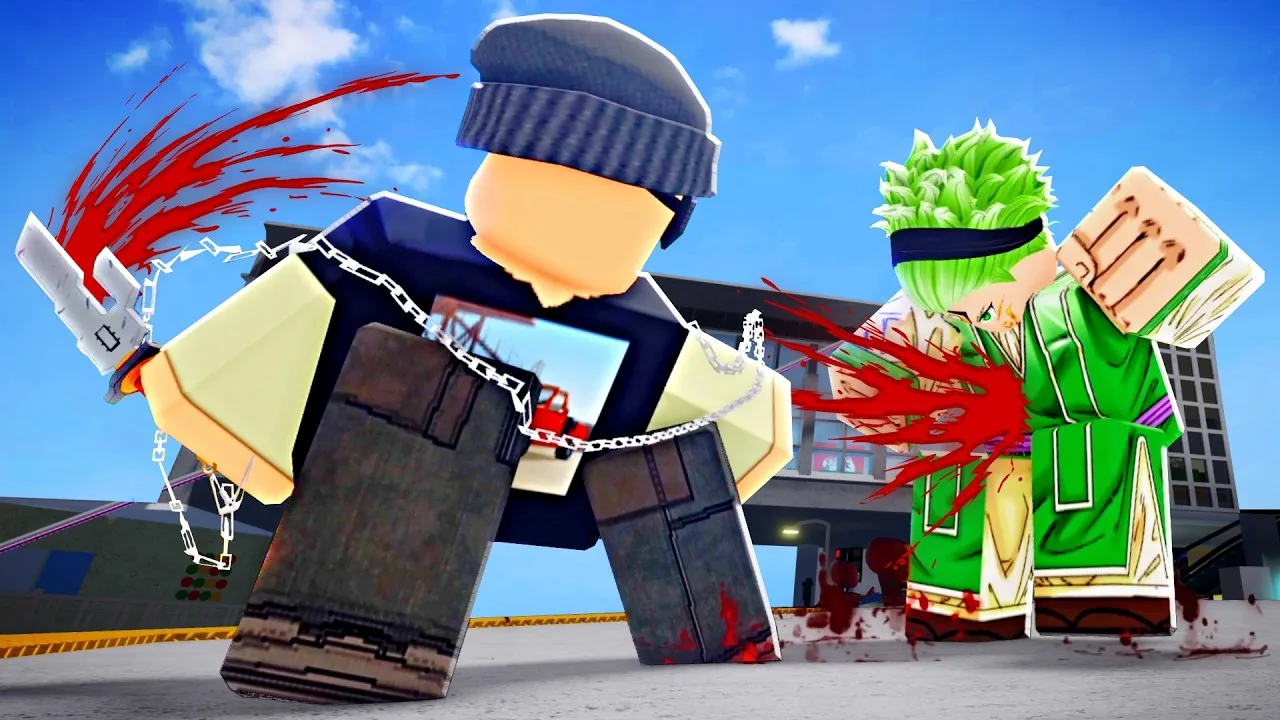
Accel Grounds updates the game often. Recent additions include awakenings, new characters and a PvE mode. If you only check the game itself, you'll keep getting caught off guard by reworked kits. The server fixes that:
 Image: Roblox / Accel Grounds
- Patch notes and balance changes land here before anywhere else. If a character suddenly feels different, the announcements channel will tell you why.
- New codes drop in announcements. Codes usually arrive alongside character releases, balance updates and community milestones. They don't follow a set schedule, so the announcement feed is the fastest place to catch them.
- Combo talk with other players. If someone keeps chaining you with endless combos, ask how the combo works.
- Direct feedback to the devs. Bug reports and suggestions posted in the server actually reach the team.
- Sparring partners. You can find people to fight and test new characters against. Just be ready to back up your trash talk.
Official Community Channels Compared
The Discord isn't the only official hub. Here's what each one is for:
| Channel | What you'll find there | Account needed? |
|---|---|---|
| Discord server | Announcements, patch notes, codes, player chat, feedback | Discord account |
| Trello board | Characters and their abilities, skill descriptions, mechanics, maps and arenas, cosmetics, core systems | No |
| Accel Grounds Roblox group | Community group for the game, also posts codes | — |
| Accel Productions on X (@Accel_Grounds) | Teasers and showcase clips such as emote previews | No (to view) |
Check the Trello board before you main a new character. It explains what each move does and why certain interactions work the way they do. Use the Discord when you want to know what changed.
Redeeming Codes You Find in Announcements
Codes mostly give Gems, which you spend on skills, cursed techniques and upgrades. Redeeming them takes one extra verification step:
- Follow @VIVEJova and @VIVEAvanti on Roblox.
- Launch Jujutsu Beatdown and tap the sparkles icon at the top of the screen.
- Enter your Roblox username and click VERIFY.
- Type in the code exactly as posted and click REDEEM.
Verification used to go through X accounts and has since moved to Roblox. If you already verified with X earlier, you can open the codes menu without following the Roblox accounts. Codes expire, so redeem them the moment they hit the announcements channel.
Mechanics New Players Ask About Most
Players often miss a few core mechanics, and knowing them saves you from getting farmed. Here are the default PC controls from the game's own description:
- M1: Melee combo
- Q: Dash
- Forward Q (+ Jump): Dash attack or air counter
- F: Block
- G: Awaken
- E: Cursed energy, which gives a chance of Black Flash and unlocks move variants and enhancements
- Ctrl: Slide
Press H in-game to open the built-in guide menu. These are the mechanics most people overlook:
- Cursed energy variants: Press E (or the fire icon on mobile) to activate your cursed energy bar. Some of your moves swap to different versions while it's active.
- Perfect hit: Press E right as a hit is about to connect. A blue spark and an electric sound confirm it. Perfect hits boost damage on M1s and skills, and they work on kicks, damaging skill animations and finishers.
- Black Flash: Any perfect hit has a chance to become a Black Flash.
- Empowerment mode: Fill the cursed energy bar completely and every perfect hit becomes a Black Flash.
- Air combo: When an opponent is airborne, jump and press Q while aiming at them.
- Multi-hit skills: Toggle E on for the first perfect hit, off, then on again to land a second perfect hit within the same skill.
Practice the E timing on dummies before you post "how do I Black Flash" in general chat.
The Game at a Glance
These numbers explain why the server moves fast. On November 19, 2026, the game stood at:
- 574,320 members in the Accel Grounds Roblox group
- 130,092,259 visits and 544,489 favorites
- 332,911 likes against 32,873 dislikes
- 3,704 players online at once, with up to 16 players per server
- Created on Roblox on June 9, 2024, with its latest update on November 16, 2026
The game runs on PC, mobile and console. The Discord is where players on all of those platforms trade tips.
FAQ
Is the Jujutsu Beatdown Discord official?
Yes. The developers and moderators at Accel Grounds run it. The game's Roblox page links to it in its social links.
Do I need an account to use the Trello board?
No. You can browse the Trello board without signing up. The Discord server does require a Discord account.
Where do new codes appear first?
They appear in the Discord announcements, usually alongside a character release or balance update. The Accel Grounds Roblox group also posts them.
Continue with
 Jujutsu Beatdown Update Log: New Characters, Codes & MoreFollow the Jujutsu Beatdown update log: the November 16, 2026 update, new characters like Yuta and Megumi, working Gem codes, and where updates drop first.
Continue exploring
Jujutsu Beatdown Cursed Energy Colors: Rolls, Passes & Tips
See how Jujutsu Beatdown cursed energy colors work, which game passes store or change your CE color, and how to read the blue perfect hit spark in combat.
Jujutsu Beatdown Controls: Every Key, Combo and Mechanic
Learn every Jujutsu Beatdown control on PC, from M1 combos and dashes to cursed energy, perfect hits and Black Flash. Master the keys and win more fights.
Join the community
Official channels for news, updates and player help: